


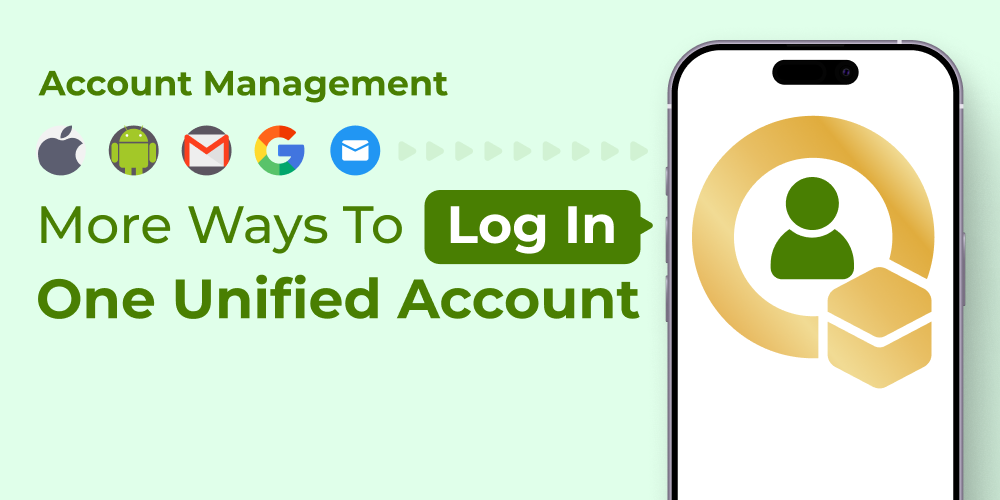
We're making it easier and safer to access your account. In the past, using different login methods —like Email, Google, or Apple— might have created separate profiles. This could be frustrating if your devices were connected to one login, but you happened to sign in with another.
That experience is now a thing of the past.
We are happy to announce that you can now link multiple login methods to a single account. Whether you prefer Email, Google, or Apple (with more methods possibly coming in the future), you can now use them all to access the same profile, the same data, and the same list of connected devices.
A Special Benefit for Apple Users
If you originally signed up using Apple Login, there was a limitation: if you ever switched from an iPhone to an Android device, you wouldn't be able to use that Apple ID to log in on your new phone. This meant risking losing access to your account and all your connected devices.
Now, you can prevent that. By adding a second login method —like your Email or Google account— to your existing Apple profile, you create a backup. If you ever switch to Android (or simply prefer a different method), you can use your Email or Google to log in and find all your data and devices exactly where you left them.
How it works:
When you add a second login method to your existing profile, your account becomes a hub for all your access points. You can choose whichever method is most convenient at the moment, knowing you'll always end up in the right place.
How to link your accounts:
Linking your Email, Google, and Apple logins takes just a minute. Here is how to do it:
1. Log in to your account using your current preferred method (Email, Google, or Apple).
2. Go to your Account Settings.
3. Find the section labeled "Account & Security" and then click on "Account Management."
4. If you logged in with Google, click "Add Email" to link your email address.
(If you logged in with Email, click "Connect Google" to link your Google account.
(If you logged in with Apple, you can choose to add either Email or Google.)
5. Follow the simple verification steps to confirm ownership of the second account.
Important Note: The email address you are adding must not have been used before to create a separate account. Each login method is tied to a unique user ID, so to successfully link them together, the second email should be "fresh" and not already registered with us.

Once linked, you can use any of these methods to sign in from now on. Your devices and data will remain safely connected to your unified account, no matter how you choose to log in or what device you use in the future.



Tinggalkan komen
Semua komen disederhanakan sebelum diterbitkan.
Laman ini dilindungi oleh hCaptcha dan tertakluk pada Dasar Privasi dan Terma Perkhidmatan hCaptcha.